Confirm the job specs before design approval
Most print problems start with unclear specs. Confirm size, quantity, and finishing before you finalize the design.
Designing without specs is how you end up resizing, losing quality, or paying extra to reprint.
- Final size (A5, A4, DL, custom)
- Orientation (portrait/landscape)
- Quantity and deadline
- Paper type (art card, bond, sticker, etc.)
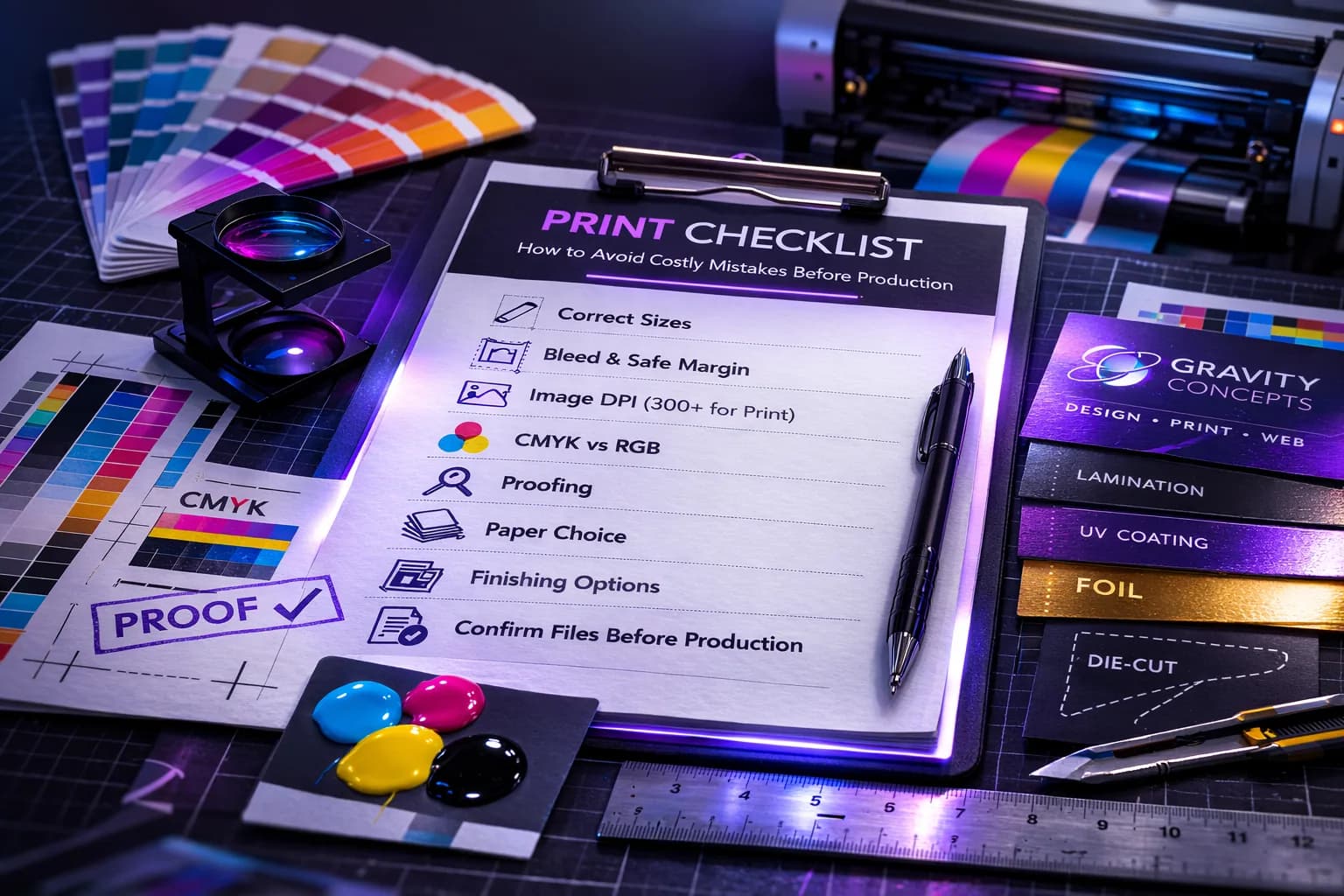
- Finishing (lamination, UV, foil, die-cut, etc.)
Bleed, safe margin, trim
Printers cut. If you don’t design for cutting, your text can get chopped or you’ll see white edges.
- Bleed: extend backgrounds past the cut line.
- Safe margin: keep text/logos away from edges.
- Trim: the final cut size of the print.
Color and image quality
Screens are bright—print is different. Avoid dull prints by using quality images and planning for print-friendly output.
- Use sharp images (avoid low-quality WhatsApp downloads).
- Ask your printer about their preferred format and workflow.
- Avoid exporting tiny images for large banners/posters.
Proofing: your final money-saver
Proofing is where you catch mistakes before they become expensive reprints.
- Spelling + phone numbers + emails
- Alignment and spacing
- Contrast (is text readable?)
- QR codes (test before printing)
- Cut lines for die-cuts
Want Gravity Concepts to handle this for you?
Design, print, web builds, and ongoing maintenance — fast response, direct communication.