
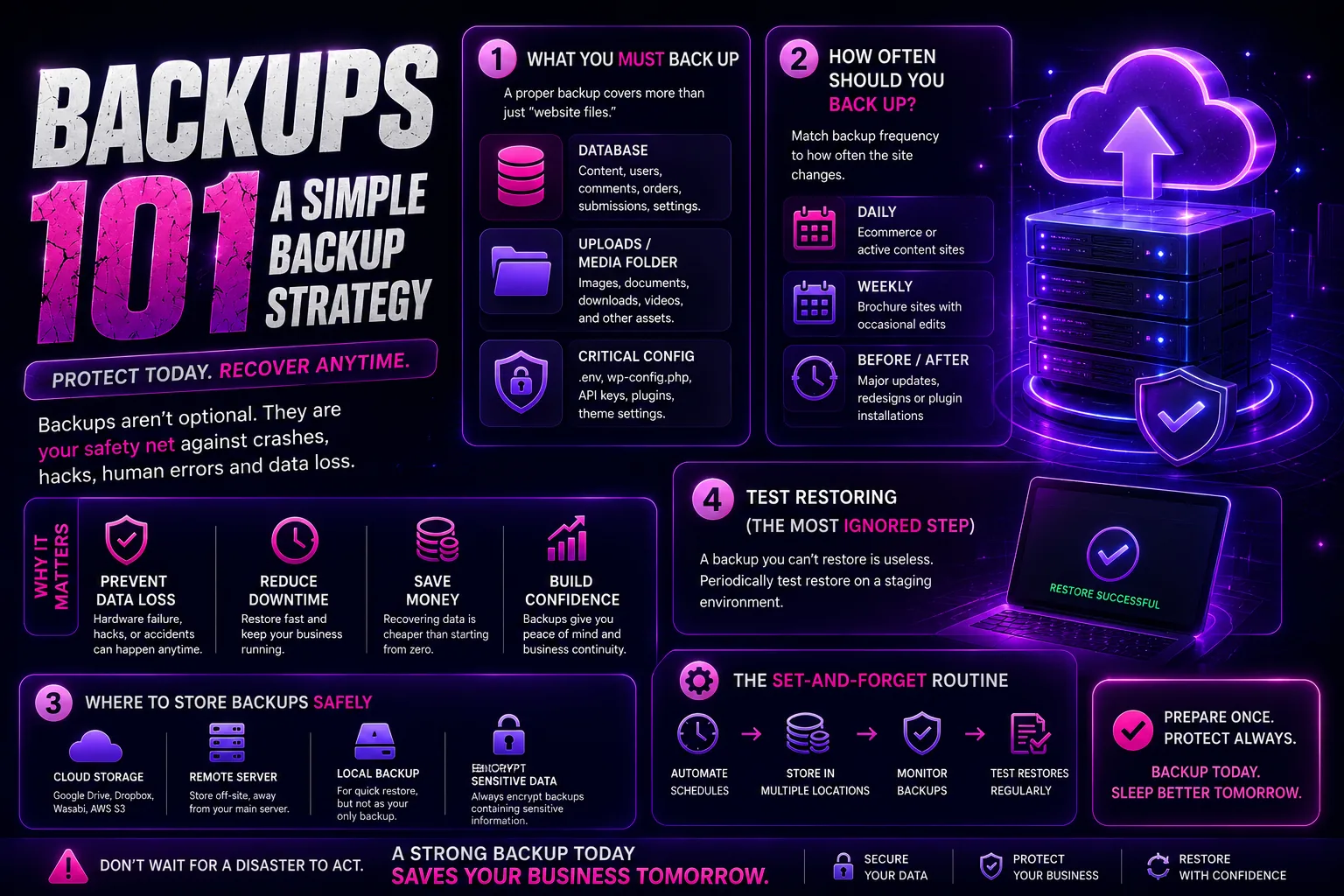
What you must back up
A proper backup covers more than website files. Business sites rely on stored data.
- Database (content, users, submissions).
- Uploads and media folder.
- Critical configuration, stored securely.
How often to back up
Match backup frequency to how often the site changes.
- Daily: ecommerce or active content sites.
- Weekly: brochure sites with occasional edits.
- Before and after major updates or redesigns.
Test the restore
A backup you can't restore is useless. Periodically test a restore on a staging environment. The moment you need the backup is the wrong moment to discover it doesn't work.
Frequently asked
Where should backups be stored?
Off the server. A backup on the same server as the site is lost when the server fails. Store at least one copy remotely.
How do I test a restore without breaking the live site?
Restore to a staging or local environment. If the site loads and forms work, the backup is valid.
Ifeanyi Ejidike
Creative Director & Lead Engineer, Gravity Concepts
Writes from real client work — branding, print, and production-grade web builds for ambitious businesses.
Want us to handle this for you?
Design, print, web builds, and ongoing maintenance — fast response, direct communication.