
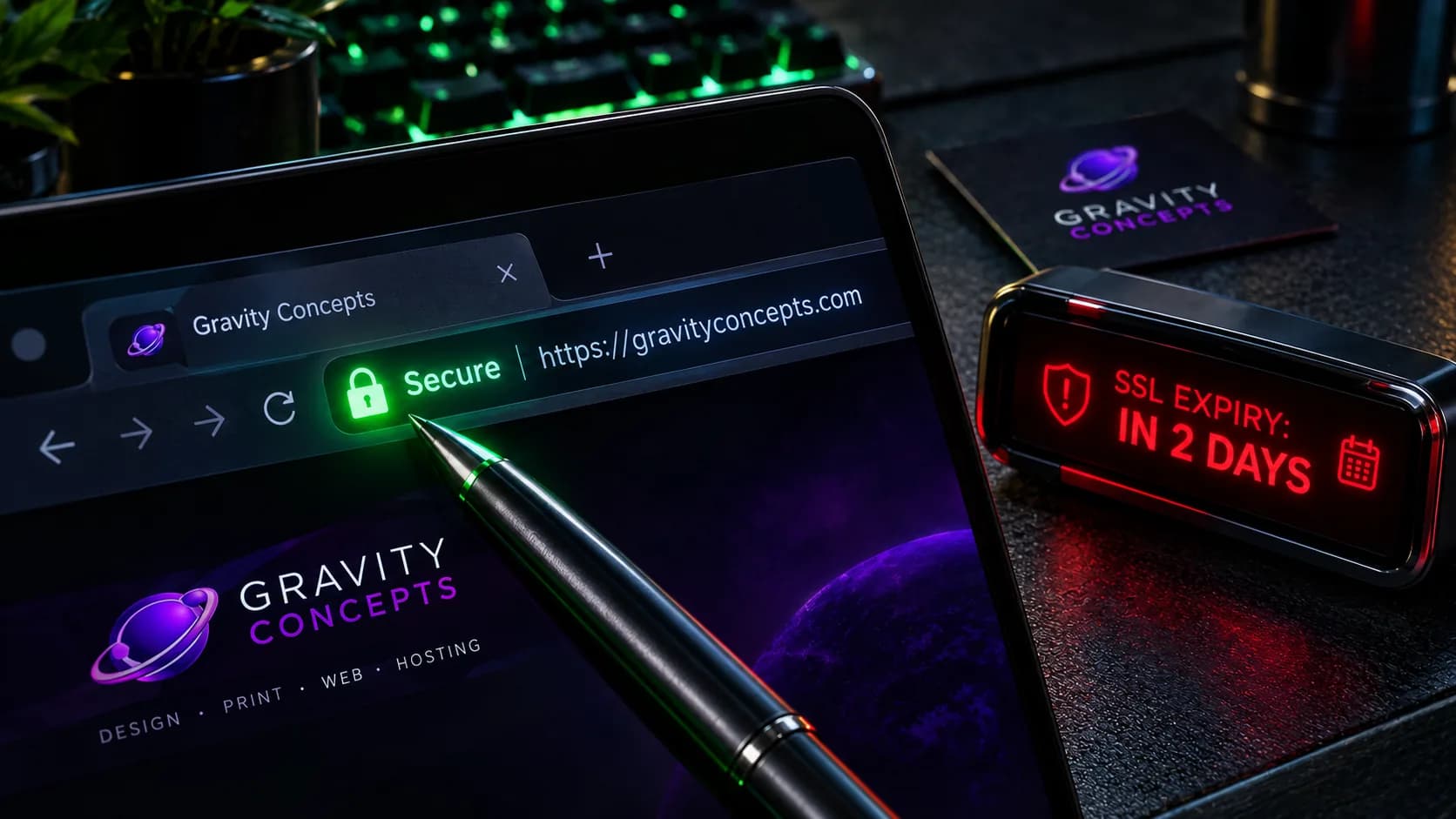
The SSL problem nobody watches
SSL certificates expire on a fixed schedule — usually every 12 months for standard certificates, or every 90 days for Let's Encrypt certificates. When they expire, browsers display a full-page warning: "Your connection is not private" on Chrome, or "Potential Security Risk Ahead" on Firefox.
That warning is the end of the enquiry. A first-time visitor has no relationship with the business yet; the warning is a hard stop. The site is technically up, but the visitor is gone. Most business owners never see the warning because they visit from a session with a cached certificate.
Why domain expiry is worse
If SSL expires, the site loses trust. If the domain expires, the site loses everything. The registration lapses, the domain becomes available, and — if it's a strong brand name — someone else may register it and place content on it.
Domain expiry is worse than SSL for three reasons: recovery is more expensive, the new owner has no obligation to sell it back, and the damage to the brand (an unrelated site on a familiar domain) is far harder to explain than a security warning.
How to make sure neither happens
The fix for both is the same: put renewal on a calendar and check it before it becomes urgent.
- Turn on auto-renew for the domain. Note the renewal date even with auto-renew on — cards expire.
- Use a certificate management system (many hosts handle this automatically; verify it's enabled).
- Set a reminder 30 days before both the SSL expiry and the domain renewal.
- Add both renewal dates to a monitoring dashboard, not just a personal calendar.
- Test the SSL every month with a tool like SSL Labs; test the domain's DNS resolution every month.
The pattern that fails
The pattern that fails is a site built by a freelancer who moved on after launch. The freelancer set up SSL and the domain, didn't document the renewal dates, and the business owner never asked. Two years later, both expire silently. That's not a technology failure — it's a documentation failure, and it's what production-grade maintenance is designed to prevent.
Frequently asked
How do I know when my SSL expires?
Check the certificate in the browser's developer tools, or use a tool like SSL Labs or a monitoring service that alerts you ahead of expiry. Do not rely on visiting the site yourself — cached certificates hide the problem.
Do I own my domain forever?
No. Domains are rented, not owned. You own the right to renew on schedule, not the domain itself. Lapse the renewal and someone else can register the domain on the next refresh cycle.
What happens if my SSL expires?
Browsers display a full-page warning that the connection is not private. Most visitors leave immediately without clicking through. The site is technically up but functionally losing every enquiry that arrives.
Ifeanyi Ejidike
Creative Director & Lead Engineer, Gravity Concepts
Writes from real client work — branding, print, and production-grade web builds for ambitious businesses.
Want us to handle this for you?
Design, print, web builds, and ongoing maintenance — fast response, direct communication.