
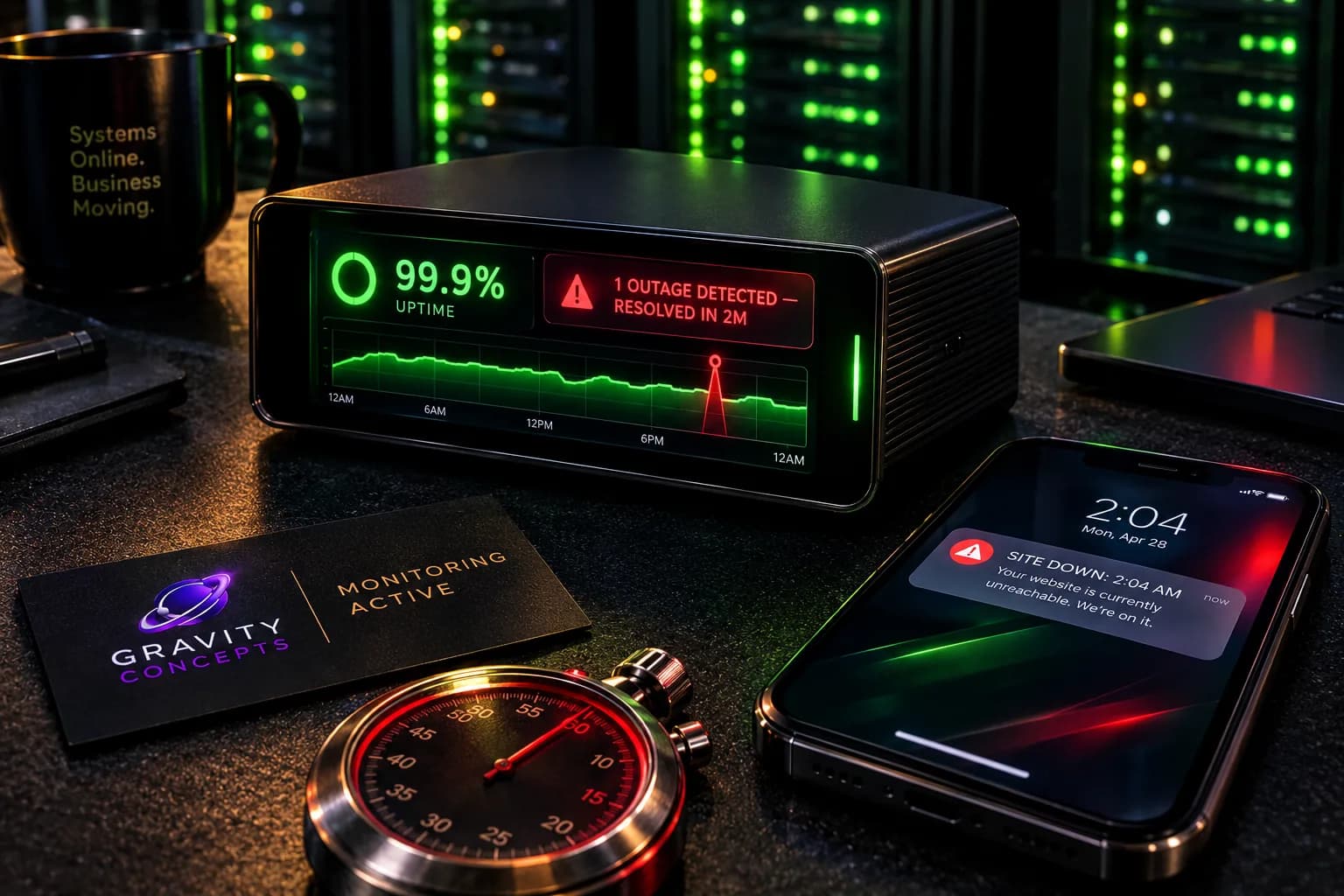
What uptime monitoring actually does
An uptime monitor pings your website every minute from multiple locations around the world. If the site fails to respond for two or three consecutive checks, the monitor sends an alert — usually by SMS, email, or Slack.
The value is not the detection itself. The value is the response window. A site that's down for five minutes costs a handful of enquiries. A site that's down for six hours — before anyone notices — costs a day of trust. The monitor closes that gap.
What to look for in a monitor
Most plans are free or cheap. The differences matter in how they behave when something fails:
- Multi-location checks — one datacenter missing the site is a false positive, multiple locations missing it is a real outage.
- Two or three consecutive failures before alerting — prevents noise from a single slow response.
- SMS alert in addition to email — email often fails when the site does.
- Status page with history — useful both for you and for clients who check.
- HTTPS check, not just HTTP — an expired SSL is an outage even when the site is up.
When the alert fires — what to do
The alert itself is not the emergency. The response is. Keep a short runbook of what to do when the monitor fires, so the first response is not panic:
- Check the hosting provider's status page — the outage may be on their side.
- Test the site from a mobile browser — the monitor may be geo-blocked.
- Check DNS resolution — the domain may be pointing somewhere unexpected.
- Check SSL expiry — an expired certificate triggers a false outage on some monitors.
- Contact the hosting provider with the monitor's timestamp and failure location.
Why this matters more than a status page
A status page tells clients you're aware of problems. Uptime monitoring tells you before they are. Both have a role, but the monitor is the one that catches the failure that would have cost enquiries — the status page only manages the ones that already have.
Frequently asked
Is uptime monitoring expensive?
No. Most monitors offer a free tier for a single site, and paid tiers for multiple sites cost a few dollars a month. The cost is trivial compared to a day of unnoticed downtime.
Can I monitor without technical setup?
Yes. Services like UptimeRobot, BetterUptime, and Pingdom need only the URL and an alert recipient. No code or server setup is required.
Should I monitor my own site?
Yes. Monitoring your own site is the simplest way to catch downtime before clients do. The alternative is finding out from a client who tried to contact you and couldn't.
Ifeanyi Ejidike
Creative Director & Lead Engineer, Gravity Concepts
Writes from real client work — branding, print, and production-grade web builds for ambitious businesses.
Want us to handle this for you?
Design, print, web builds, and ongoing maintenance — fast response, direct communication.