Confirm the job specs before design approval
Most print problems start with unclear specs. Confirm size, quantity, and finishing before the design is finalised — designing without specs is how you end up resizing, losing quality, or paying for a reprint.
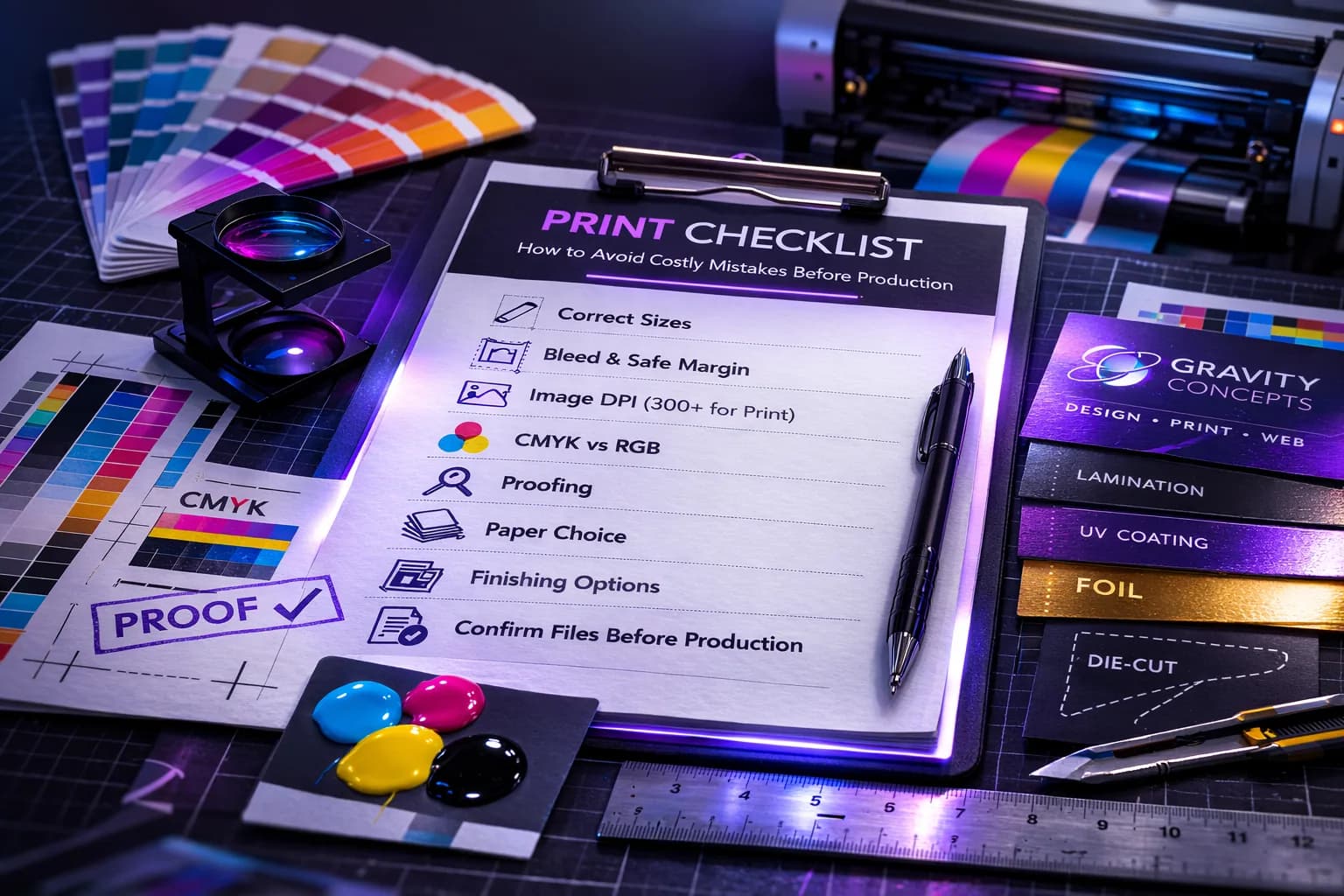
- Final size (A5, A4, DL, custom)
- Orientation (portrait or landscape)
- Quantity and deadline
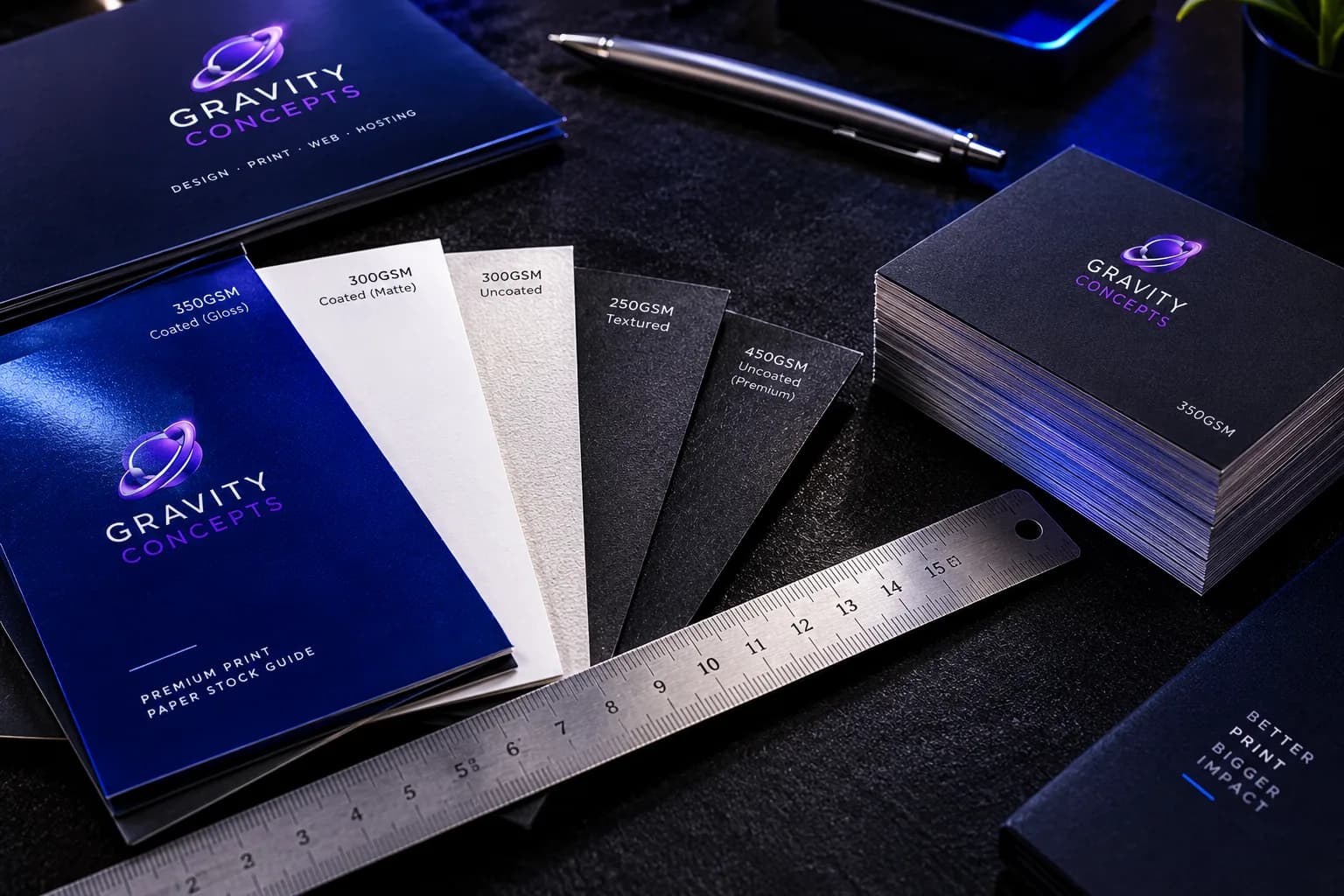
- Paper type (art card, bond, sticker)
- Finishing (lamination, UV, foil, die-cut)
Bleed, safe margin, trim
Printers cut. If the design doesn't account for cutting, text gets chopped or white edges show.
- Bleed: extend backgrounds past the cut line.
- Safe margin: keep text and logos away from edges.
- Trim: the final cut size of the print.
Color and image quality
Screens are bright; print is different. Use quality images and plan for print-friendly output. Ask the printer about their preferred format and workflow before exporting.
- Use sharp images — avoid low-quality WhatsApp downloads.
- Avoid exporting tiny images for large banners or posters.
- Confirm CMYK vs RGB expectations with the printer.
Proofing: the final money-saver
Proofing is where mistakes are caught before they become expensive reprints. Check the proof against this list:
- Spelling, phone numbers, emails
- Alignment and spacing
- Contrast (is the text readable?)
- QR codes (test before printing)
- Cut lines for die-cuts
Pre-press handoff
The final file should be delivered as a packaged PDF with correct bleed, crop marks, and fonts outlined or embedded. Anything less invites a production error.
Frequently asked
What is bleed and why does it matter?
Bleed is the extra margin beyond the final trim size. It prevents white edges if the printer's cut drifts slightly. Standard bleed is 3mm.
Why do print colors look different from the screen?
Screens use RGB light; print uses CMYK ink. Some colors — especially bright greens and purples — cannot be reproduced exactly. Proofing is how you catch this before production.
Do I need a physical proof?
For anything client-facing, yes. A digital proof catches text and layout errors. A physical proof catches color and finish errors. For large runs, a physical proof pays for itself.
Ifeanyi Ejidike
Creative Director & Lead Engineer, Gravity Concepts
Writes from real client work — branding, print, and production-grade web builds for ambitious businesses.
Want us to handle this for you?
Design, print, web builds, and ongoing maintenance — fast response, direct communication.