Why run an audit at all
Most business owners know their site isn't perfect. What they don't know is which problems are costing enquiries and which are cosmetic. An audit separates the two.
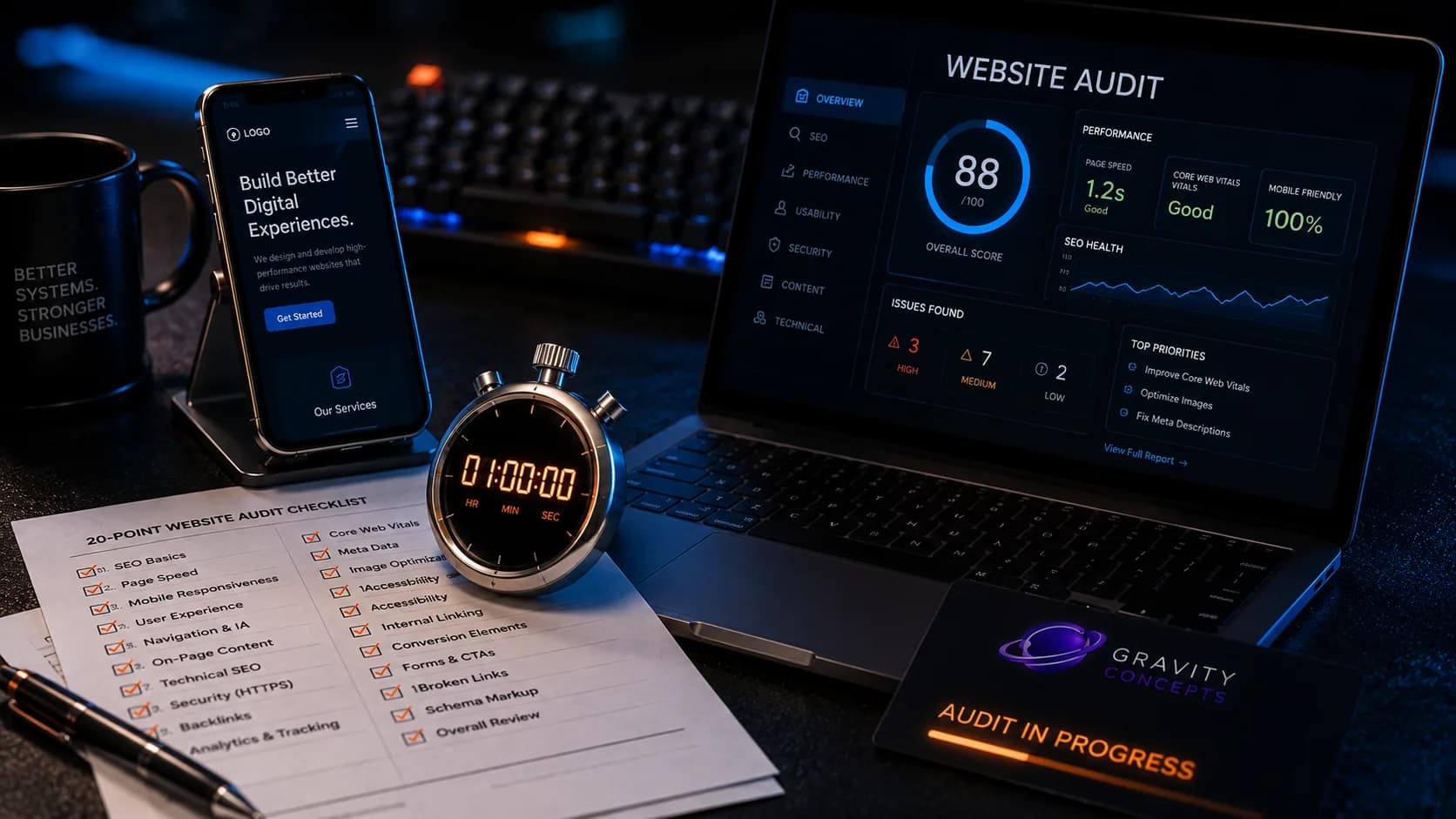
The checks below take an hour — not a day. They don't require a developer, a paid tool, or a redesign. They require a phone, a desktop, and a real inbox you can receive email into. Run all twenty. Grade yourself honestly at the end.
Trust & credibility (4 checks)
These four determine whether a first-time visitor believes they're looking at a real business. Without them, nothing else on the site matters.
- 1. A phone number or WhatsApp link is visible above the fold — not just in the footer.
- 2. At least one testimonial with full attribution (name, role, and business) — not anonymous.
- 3. The first sentence on the homepage states what the business does and who it's for.
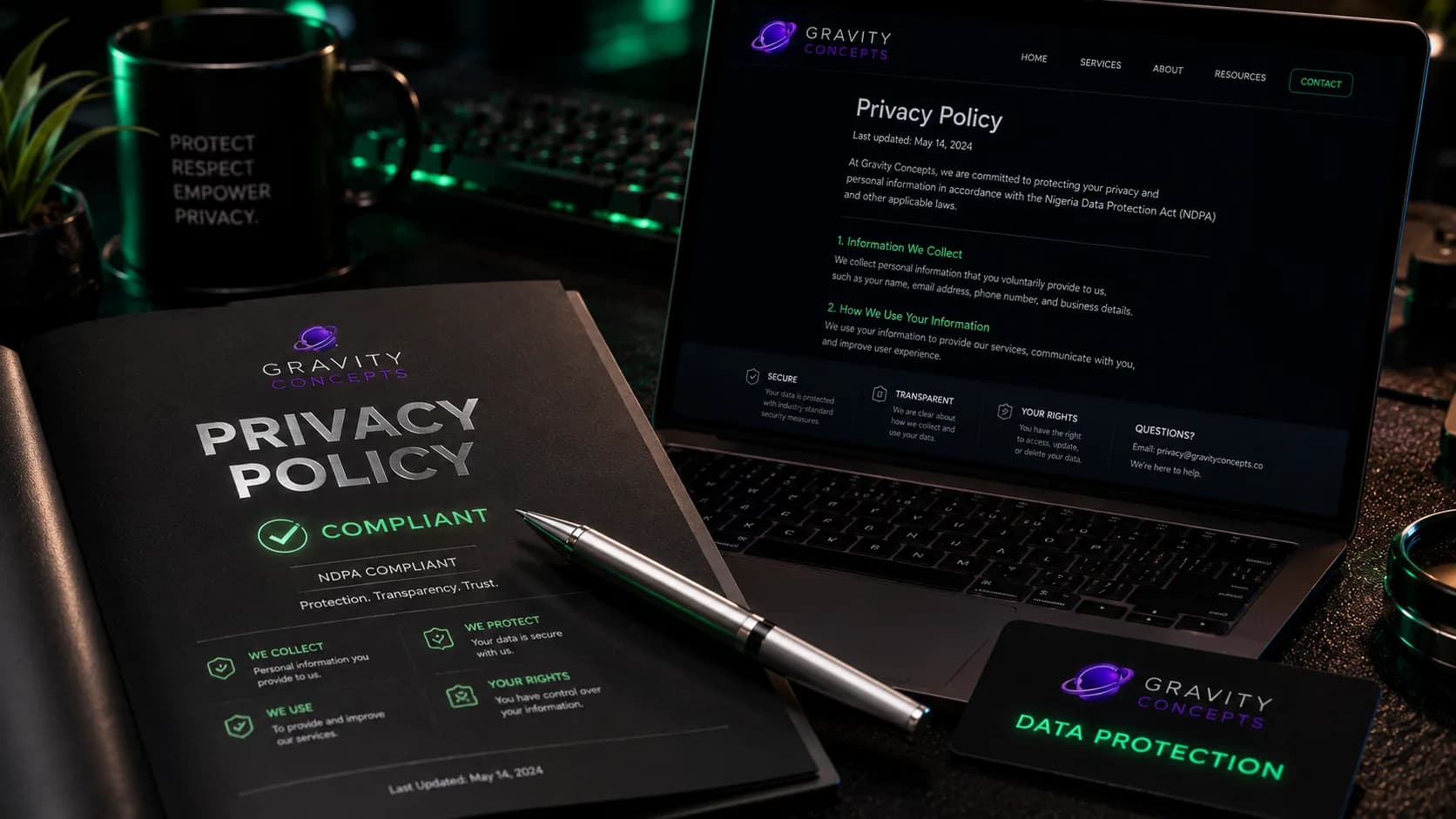
- 4. A Privacy Policy page is linked in the footer — especially if any form collects personal data.
Structure & navigation (4 checks)
These four determine whether a visitor can take the next step without hunting for it. A buried CTA is the single most common conversion failure on Nigerian business sites.
- 5. The primary CTA (enquiry, WhatsApp, or quote) is visible above the fold on desktop.
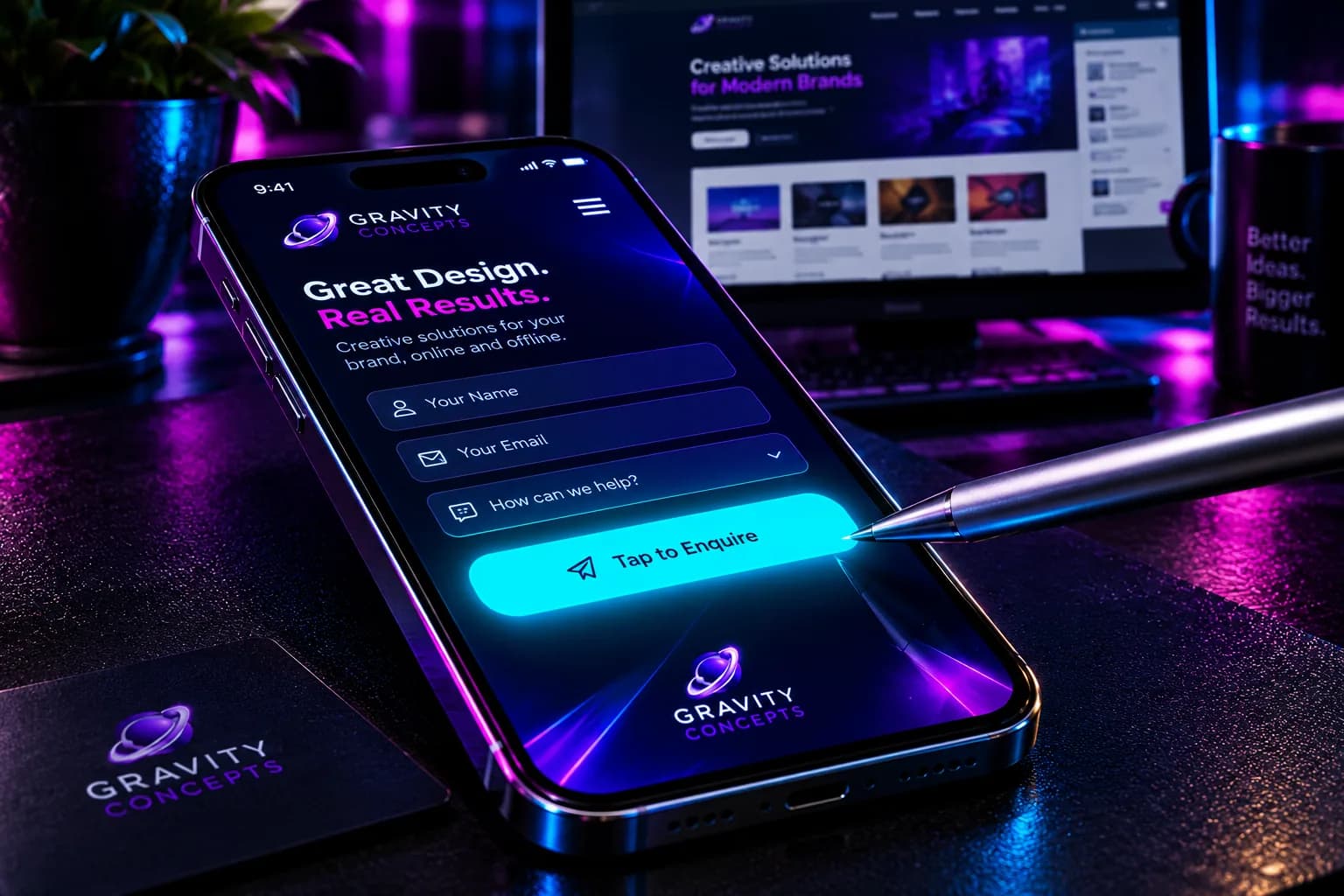
- 6. The primary CTA is visible above the fold on mobile — not hidden behind a hamburger menu.
- 7. The main navigation is five items or fewer. More than five means the visitor has to choose.
- 8. The logo links back to the homepage from every page — the standard navigation affordance.
Speed & performance (4 checks)
These four determine whether the site loads before the visitor decides to leave. Speed is not a nice-to-have — it's the first impression.
- 9. The homepage hero loads in under 2.5 seconds on 4G mobile data. Test on an actual phone, not a resized browser window.
- 10. The layout does not shift while loading (no content jumping as fonts or images arrive).
- 11. Hero images are served as WebP or AVIF — not JPG or PNG of the raw camera file.
- 12. The first-load JS bundle is under 200 KB gzipped. View the Network tab in DevTools; anything above 200 KB is a red flag.
Conversion & enquiry path (4 checks)
These four determine whether a visitor who is ready to contact you can actually do so. Most sites fail at least one.
- 13. The contact form submits successfully on mobile — the keyboard doesn't cover the submit button.
- 14. A confirmation message appears after submission, visible without scrolling.
- 15. The enquiry arrives in your real inbox. Test with a live email, not just the site's confirmation.
- 16. WhatsApp is available as a fallback for visitors who don't want to fill out a form.
Mobile & accessibility (4 checks)
These four determine whether the site works for the majority of visitors — mobile users.
- 17. The site works in both portrait and landscape orientation without breaking.
- 18. Tap targets (buttons, links) are at least 44×44 pixels on mobile.
- 19. Text inputs are at least 16px font-size on mobile — smaller triggers iOS auto-zoom on focus.
- 20. The site is usable at 200% zoom (browser or OS setting) without horizontal scroll.
How to grade yourself
Count how many of the twenty you pass. Then be honest about which failures are worse than others.
- 18–20 pass: your site is in good shape. Fix the failures at your next convenient window.
- 13–17 pass: your site is functional but leaking. Fix the conversion failures (13–16) and the trust failures (1–4) first — those cost the most enquiries.
- 8–12 pass: your site needs structural work. Fix the enquiry path and the trust signals before adding any new features or content.
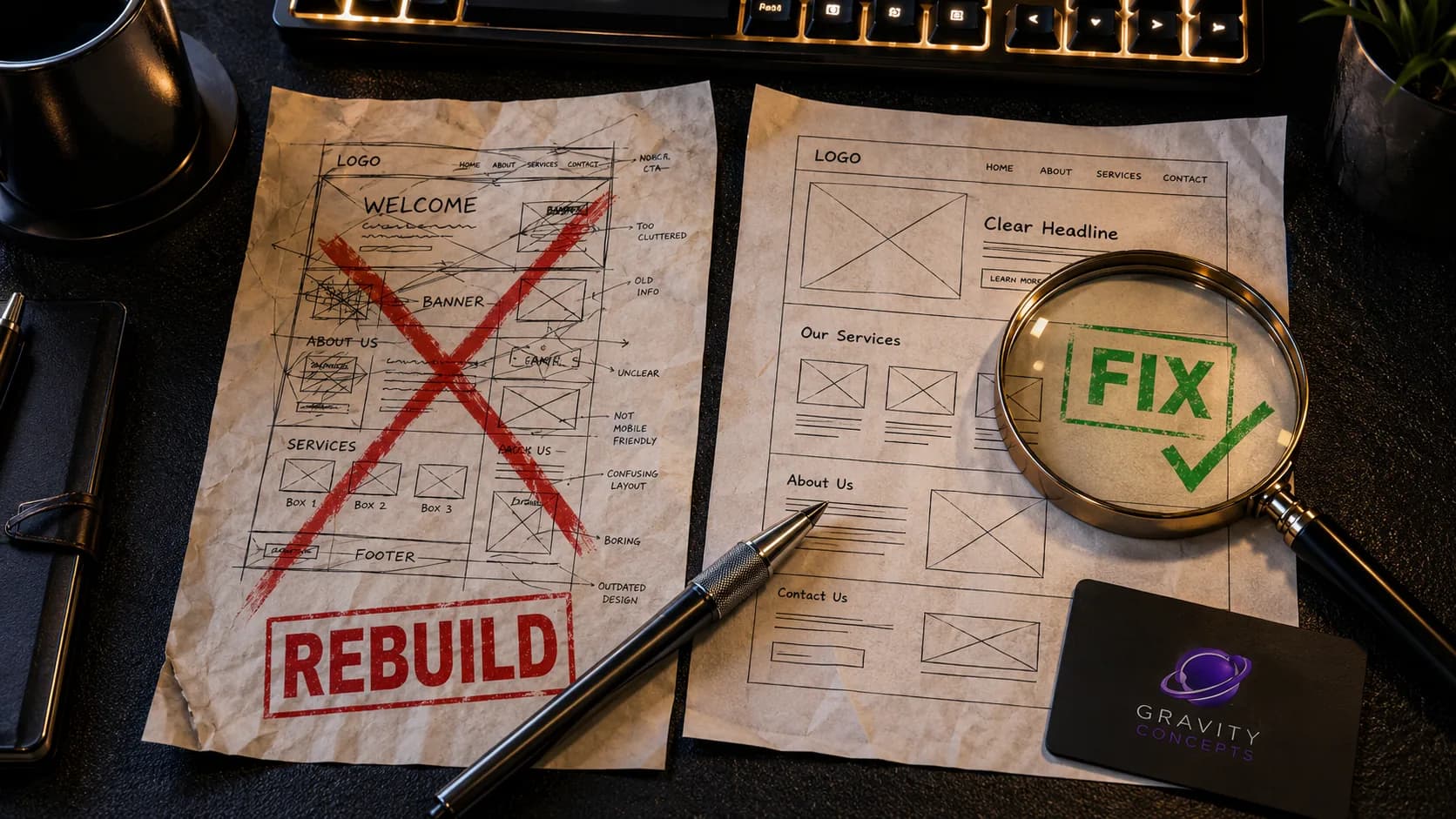
- Under 8 pass: the site needs a rebuild, not a fix. See the related article on rebuild vs fix.
What to fix first
The order that matters: trust first, then enquiry path, then speed, then mobile, then everything else. A fast site with no trust signals is still a site that loses enquiries.
If you want an outside read, send the link and we'll audit it against the same list. The point of the audit isn't to score yourself — it's to know where the next hour of work goes.
Frequently asked
How often should I run this audit?
Quarterly for stable sites. Monthly for sites that change often, run ecommerce, or depend on forms for enquiries. After any major update, always run it.
What if I fail most of the checks?
That's more information than most owners have. The failures aren't the problem — the problem is not knowing where the leaks are. Start with the trust and enquiry-path failures; they cost the most enquiries per hour of work.
Do I need a developer to fix these?
Some fixes need a developer. Trust signals, CTA placement, and form submission testing are copy-level and can be done without one. Speed, image format, and mobile tap targets usually need someone with code access.
Is 20 checks enough to catch everything?
It's enough to catch the failures that cost the most enquiries. Deeper audits — accessibility, security, analytics, SEO structure — go further, but these twenty cover the highest-impact ground.
Ifeanyi Ejidike
Creative Director & Lead Engineer, Gravity Concepts
Writes from real client work — branding, print, and production-grade web builds for ambitious businesses.
Want us to handle this for you?
Design, print, web builds, and ongoing maintenance — fast response, direct communication.